SIGILON
By Teo Spiller
By Teo Spiller
We don’t use cookies, and we respect your trust.
Teo Spiller, 2026, CC-BY
The Scribe app allows you to bridge the gap between modern language and ancestral wisdom. By translating your affirmations into ancient scripts—such as Runes, Hieroglyphs, or Proto-Sinaitic characters—you create a visual bridge to the collective unconscious. This process transforms simple text into a sacred emblem, as explored in the video below.
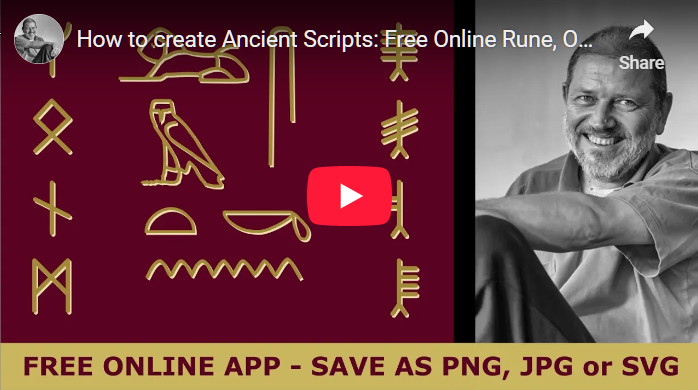
To begin, enter your name, affirmation, or keyword into the TEXT field.
Clicking the TRANSLATE button will instantly convert your words into the chosen ancient script, creating a unique typographic sigil that carries the weight of history and intent.
Your translated scripts can be exported in three professional formats:
PNG files feature a transparent background. They are perfect for overlaying your translated scripts onto photos or for printing high-quality apparel. These files are ready to be uploaded directly to our Zazzle store to create your own custom talismans.
The JPG format provides a solid white background, which is the standard choice for high-resolution printing, digital documentation, and sharing on social media.
If you need to crop or adjust your PNG and JPG images, you can use the default Photos app on your computer, or the professional open-source editor GIMP.
SVG stands for "Scalable Vector Graphics." Unlike standard images made of pixels, an SVG is built using mathematical paths. This means you can scale your ancient scripts to any size—from a business card to a massive mural—without ever losing sharpness or detail.
You can view SVG files in browsers like Chrome or Firefox. For advanced editing and design work, we recommend the free, open-source vector tool Inkscape (see video below), or industry standards like Adobe Illustrator.
Once you have your design, you aren't limited to the screen. These scripts are perfect for hand-carving into wood, etching into stone, or engraving into jewelry. They can also be used as 3D-modeling paths for advanced digital fabrication.