SIGILON
By Teo Spiller
By Teo Spiller
We don’t use cookies, and we respect your trust.
Teo Spiller, 2026, CC-BY
The Matrix app allows you to create a unique, vertical geometric cipher—a modern cryptographic system invented by Teo Spiller. The core of the cipher consists of Spiller's contemporary scripts representing the consonants of the English alphabet, arranged vertically. Flanking these central characters are geometric signs representing numbers, which indicate the exact position of each letter in your input text.
For ease of use, reference Latin letters and numbers are displayed on the left side of the interface. These serve as a guide while you compose your work; however, they should be toggled off or erased when finalized to create a pure, aesthetic Grimoire.
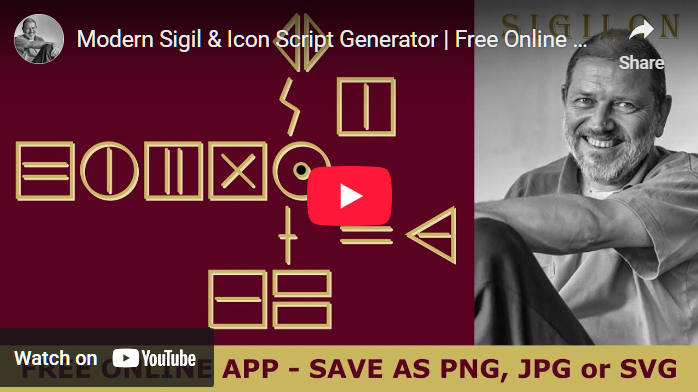
First, enter your affirmation or text into the DESIRE field.
Clicking the CREATE button will instantly generate the geometric cipher, providing a mathematical and artistic visualization of your affirmation.
Your ciphers can be exported in three professional formats:
PNG files feature a transparent background, making them the perfect choice for high-end apparel and custom merchandise. These files can be uploaded directly to our Zazzle store to create one-of-a-kind t-shirts, mugs, and more.
JPG is the standard format for digital sharing and printing. It features a solid white background, providing a clean and high-contrast look for your geometric designs.
You can crop or adjust your PNG and JPG images using the default Photos app on Windows, or use the professional open-source alternative to Photoshop: GIMP, as demonstrated here:
SVG stands for "Scalable Vector Graphics." Unlike raster images (JPG, PNG) which are composed of pixels, an SVG is built using mathematical coordinates. This allows you to scale your cipher to any size—from a tiny sticker to a massive wall hanging—while maintaining perfectly crisp, sharp lines.
While you can preview SVG files in browsers like Chrome, we recommend using the free, open-source tool Inkscape (see video below) or professional vector software like Adobe Illustrator to further manipulate and edit your ciphers.
Beyond digital use, these geometric forms are ideal templates for physical craftsmanship. Use them as blueprints for wood carving, metal etching, stone engraving, or as paths for 3D printing and laser cutting.